
How to Keep Your Kids Busy While You Work From Home
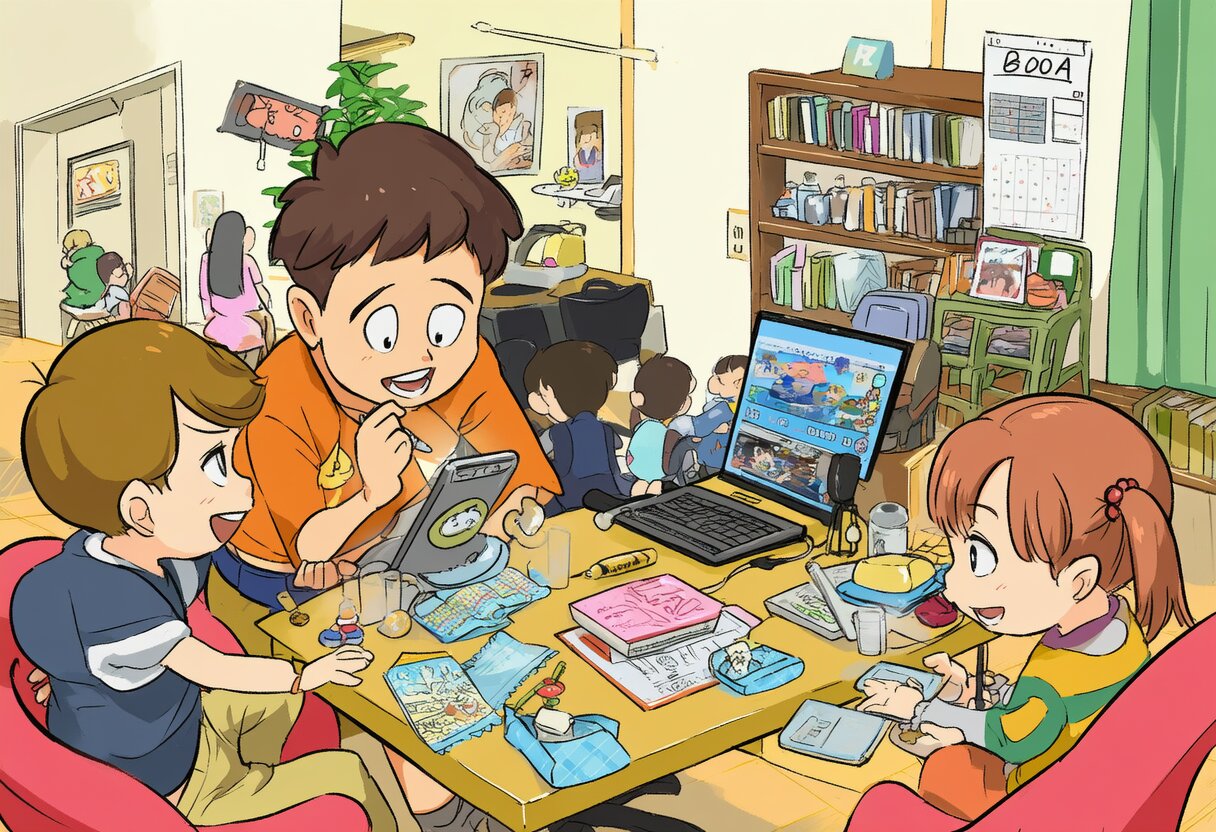
Working from home with kids is a juggling act. Here are screen and non-screen activities that actually keep them occupied long enough for you to get something done.
Working from home with kids is a juggling act. Here are screen and non-screen activities that actually keep them occupied long enough for you to get something done.
The best laptop for a student depends on what they’re studying — but some picks work for almost everyone. Here’s what students actually recommend.
You can change your TikTok username and display name — but there are limits on how often. Here’s the process and the restrictions.
TikTok finally added a scrubber bar. Here’s how to skip ahead in longer videos, plus other navigation tricks most people don’t know.
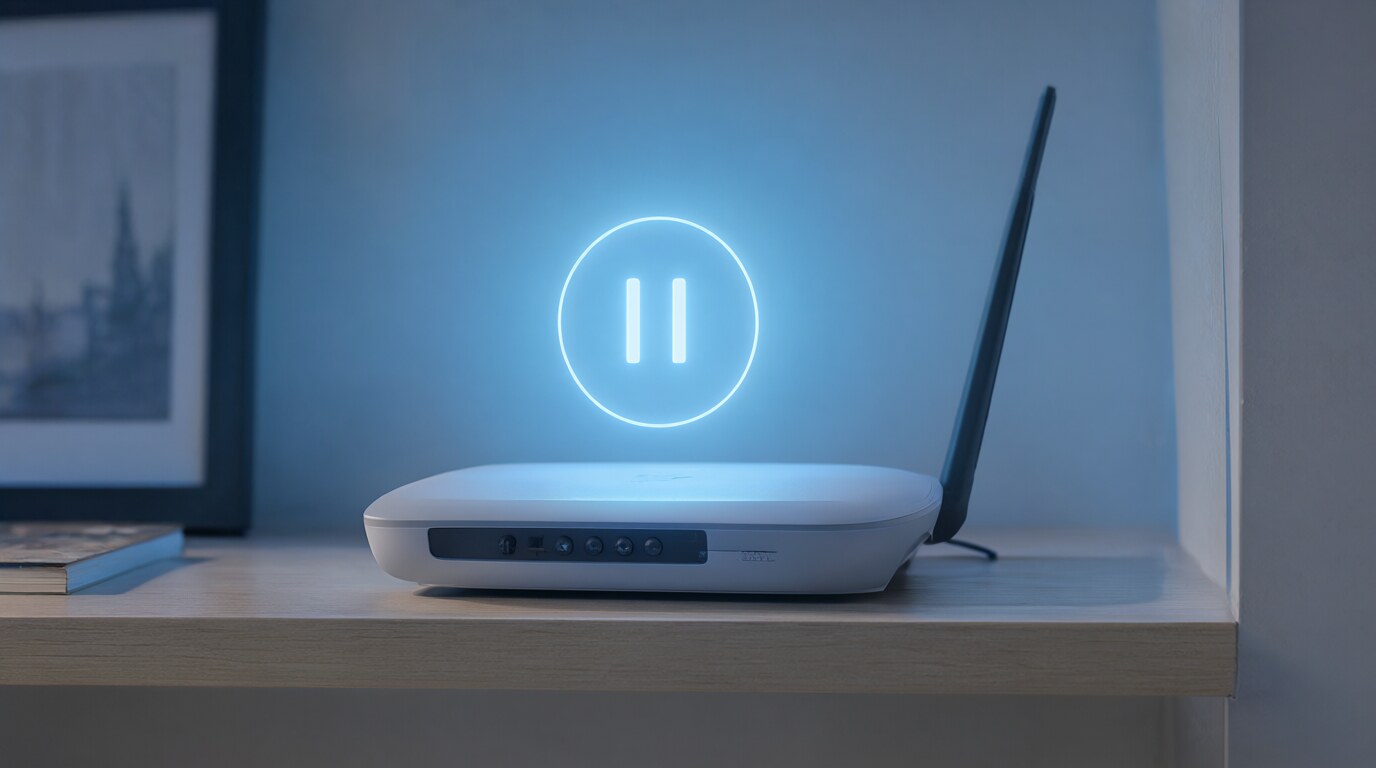
Need to cut internet access for specific devices or the whole house? Here’s how to pause Wi-Fi on every major router and mesh system.
Narrator is Windows 11’s built-in screen reader. Here’s how to start it, navigate with it, and when you might want a third-party alternative instead.
Your Apple Watch fitness goals aren’t set in stone. Here’s how to adjust your Move, Exercise, and Stand targets to match your actual routine.
Google Images lets you filter by license. Here’s how to find free-to-use images and what each license type actually means.
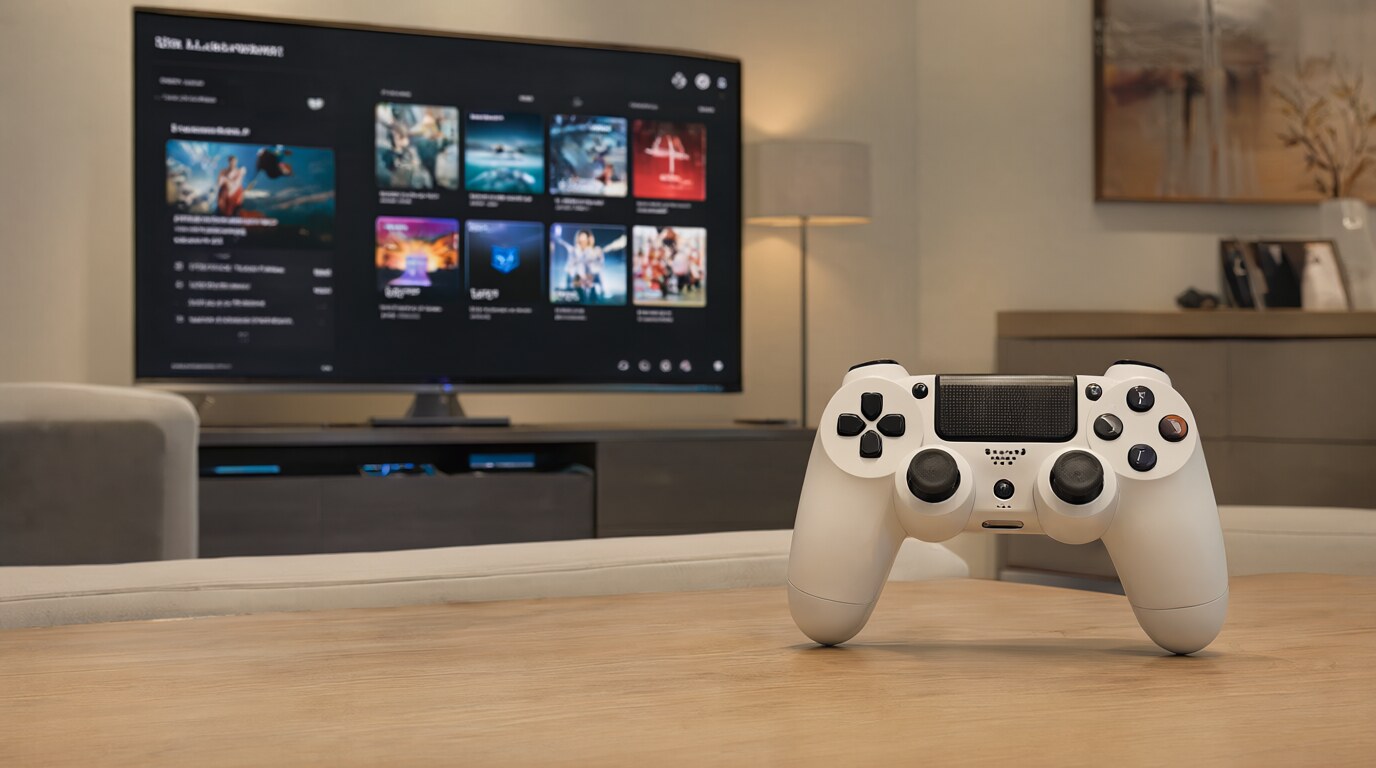
Having trouble connecting your DualShock 4 or DualSense? Here’s every way to pair, re-pair, and troubleshoot PlayStation controllers.

Alexa Routines automate multiple actions with a single command or trigger. Here’s how to build them and the ones worth setting up first.
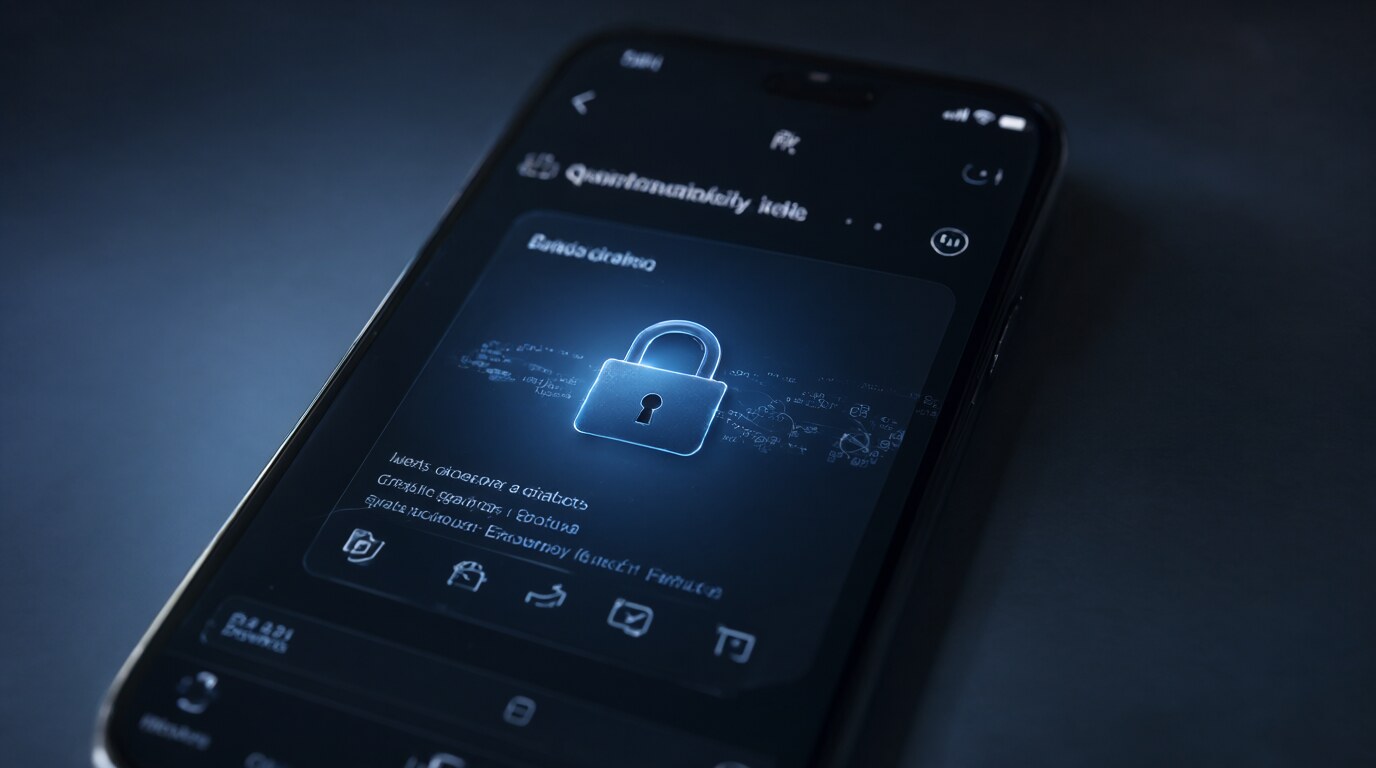
Gmail’s confidential mode lets you set expiration dates and revoke access to sent emails. Here’s how to use it — and what it doesn’t protect against.
Your Google account holds years of emails, photos, and documents. Here’s how to download everything and keep a backup that doesn’t depend on Google.