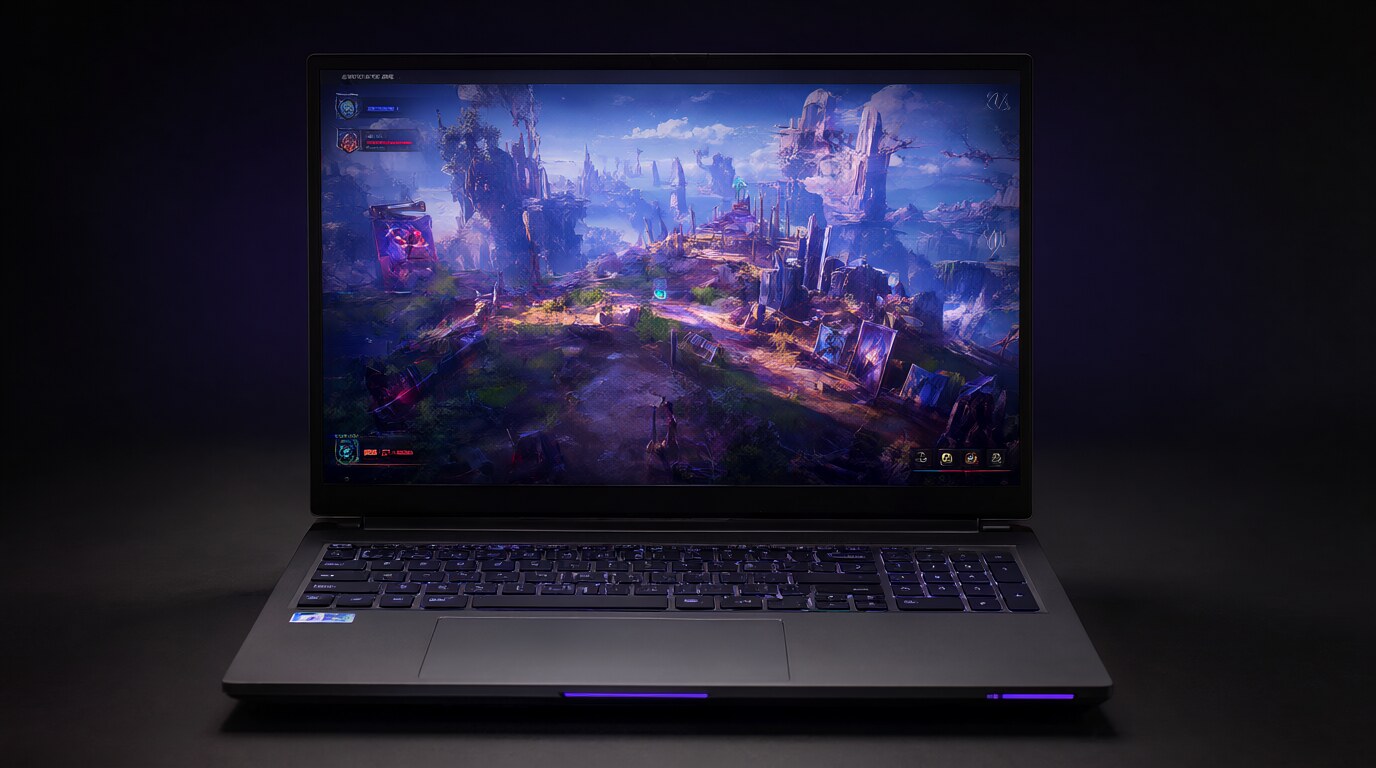
Gaming Laptops Are Actually Good Now
The gap between gaming laptops and desktops has narrowed significantly. A mid-range gaming laptop in 2026 delivers performance that would have required a high-end desktop three years ago. The trade-offs are still there — thermals, noise, upgrade limitations — but for most people, a gaming laptop is now a legitimate primary machine, not a compromise. Here are the best options at different price points.
Lenovo Legion Pro 5 — Best Overall
The Legion Pro 5 hits the sweet spot between performance, build quality, and price. It comes with an RTX 4070 or 4080, a 16-inch 1600p 240Hz display, and Lenovo’s excellent thermal design (the rear exhaust and large intake vents keep temperatures manageable under load). The keyboard is one of the best on any gaming laptop — full travel, per-key RGB, and a layout that doesn’t sacrifice arrow keys or numpad functionality.
Starting around $1,400-1,700 depending on GPU. The 4070 model is the value pick; the 4080 model is for people who want to push higher settings at 1600p. Battery life is mediocre (2-3 hours of light use), which is standard for gaming laptops in this class.
ASUS ROG Zephyrus G14 — Best Portable
The Zephyrus G14 is the gaming laptop for people who don’t want a gaming laptop. It’s 14 inches, weighs 3.6 lbs, and looks professional enough for a meeting. Under the hood, it packs an RTX 4060 or 4070 and a 120Hz OLED display that’s stunning for both gaming and content creation. The 2024 redesign moved the webcam to the top (where it belongs) and improved the speakers.
Starting around $1,400. The 4060 model is the smarter buy — the 4070 doesn’t offer enough of a performance bump at 14 inches to justify the price increase. Battery life is actually usable: 6-8 hours of light use, 2-3 hours of gaming. This is the laptop to get if you’re carrying it daily.
Razer Blade 15 — Best Premium
The Blade 15 is the MacBook of gaming laptops: aluminum unibody, excellent display options (OLED 240Hz is available), and a design that looks expensive because it is. Build quality is the best in the category — no flex in the keyboard deck, no creaking hinges, and a trackpad that’s actually good (rare for gaming laptops). The RTX 4080/4090 configurations deliver desktop-class performance.
Starting around $2,200 and going up to $3,500+. You’re paying a premium for the build quality and design. The thermals run hot (Razer prioritizes thinness over cooling), the fans are loud under load, and Razer’s customer support is inconsistent. Buy from a retailer with a good return policy.
Acer Nitro 15 — Best Budget
Under $900, the Nitro 15 gives you an RTX 4050 or 4060, a 15.6-inch 144Hz display, and acceptable build quality. It’s not pretty — the plastic chassis flexes, the trackpad is mediocre, and the fans sound like a hair dryer under load. But it games well for the price, and the components are upgradeable (RAM and storage are socketed, not soldered). This is the entry point for people who want to game on a laptop without spending $1,500.
What to Look For
- GPU: RTX 4060 is the minimum for 1080p gaming. RTX 4070 for 1440p. RTX 4080/4090 for pushing high settings at 1440p+ or VR.
- Display: 144Hz minimum. 240Hz if you play competitive games. OLED for color accuracy and contrast (great for single-player games and content creation).
- RAM: 16GB minimum. 32GB if you’re also doing creative work. Check if it’s soldered — some laptops (Razer) solder RAM, making it impossible to upgrade.
- Storage: 1TB SSD minimum. Games are 50-150GB each. Check if there’s a second M.2 slot for adding storage later.