No Filters, No Preparation, Just Real
BeReal sends a notification once per day at a random time. You have two minutes to take a photo with both your front and back cameras simultaneously. There are no filters, no editing, and no re-doing your hair. The point is showing what you’re actually doing at that moment. Here’s how it works.
Taking Your BeReal
- When you get the notification, open the app
- Tap Take my BeReal
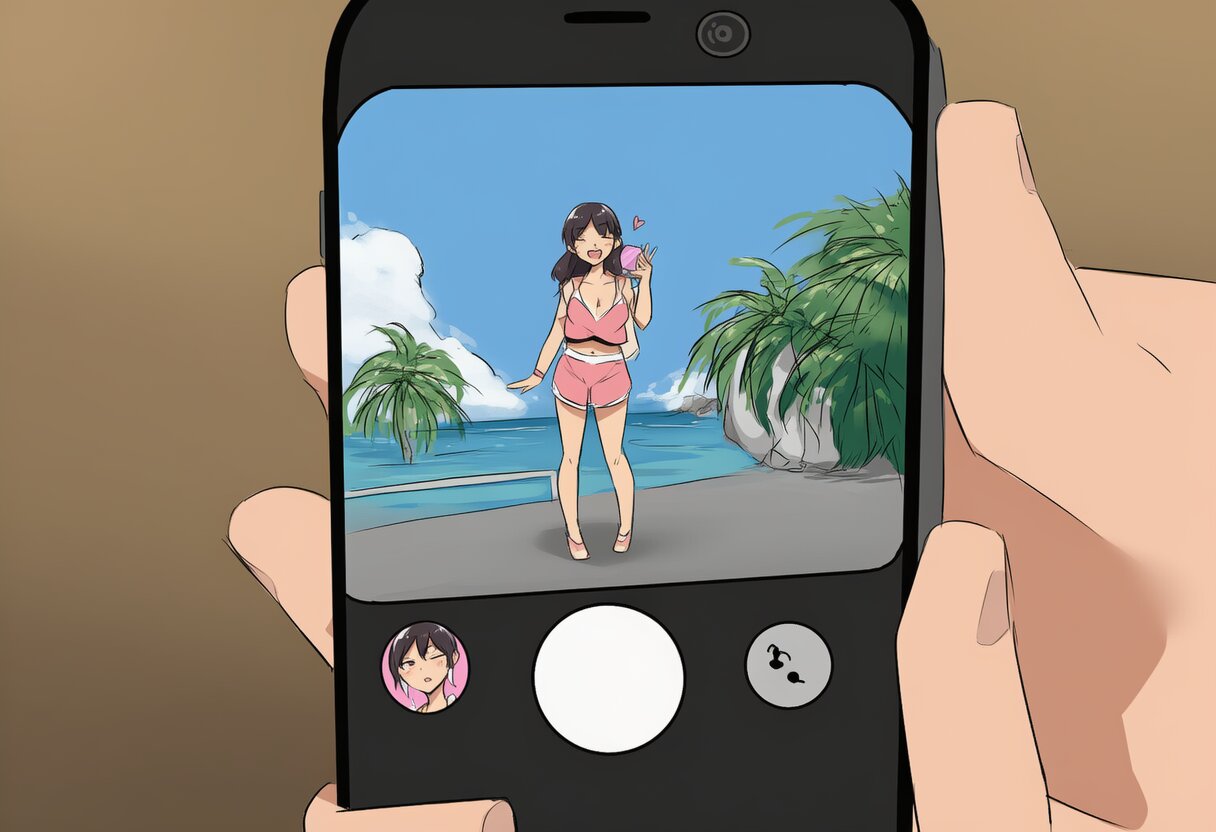
- The camera opens. You’ll see both the back camera (main view) and a small front camera (selfie) in the corner
- Position both cameras — the main view shows what’s in front of you, the selfie shows your face/reaction
- Tap the capture button — both cameras take a photo at the same time
- Add a caption if you want
- Tap Send to post
The photo is posted to your friends’ feed and the Discovery feed (unless you’ve disabled Discovery in settings). Your friends can see when you posted relative to the notification — if you posted within 2 minutes, there’s no timestamp. If you posted late, everyone can see how long you waited.
Can You Retake?
Yes, but there’s a catch. You can delete and retake your BeReal before posting, and nobody will know. But once you’ve posted, you can only delete and retake once. After that second post, it’s final. BeReal shows your friends how many times you retook the photo — the social pressure is meant to discourage overthinking.
What Happens If You’re Late
If you miss the two-minute window, you can still post. Your post will show a “posted X hours late” label. There’s no penalty beyond the social signal — your friends can see you weren’t ready in time. Some people find this motivating; others find it annoying. You can’t control when the notification arrives, so being late is sometimes unavoidable.
Privacy Settings
By default, your BeReal is visible to friends and in the Discovery feed. To change this:
- Friends only: When posting, toggle off “Share to Discovery” — your post is only visible to your friends
- Location: BeReal can attach your location to posts. Disable this in Settings → Privacy → toggle off location sharing
- Screenshots: BeReal notifies you when someone screenshots your post. It doesn’t prevent screenshots — it just tells you who did it