The Framework Laptop 16 is the most repairable and upgradeable laptop ever made. GPU, RAM, storage, keyboard, touchpad, speakers, and ports are all user-replaceable modules. It’s a gaming laptop that you can upgrade instead of replace.
But repairability comes with trade-offs: it’s thicker, heavier, and more expensive than comparable gaming laptops. Is the Framework philosophy worth the premium? We tested it for 3 weeks.
Design & Build
Rating: ★★★☆☆
The Framework 16 looks like a ThinkPad designed by an engineer — functional, angular, and unapologetically modular. The aluminum chassis is sturdy (no flex) but at 5.7 lbs, it’s heavy for a 16″ laptop. The Dell XPS 16 weighs 4.3 lbs. The ASUS ROG Zephyrus G16 weighs 4.6 lbs.
The thickness (0.86″) accommodates the modular bay system. This isn’t a laptop for coffee shops — it’s a laptop for people who value repairability over portability.
Build quality: Excellent. The aluminum lid and base feel rigid. No creaking or flex. The hinge is firm and holds position. This is a laptop built to last.
Modular System
Rating: ★★★★★
The Framework 16’s modular system is its reason to exist. Every major component is user-replaceable:
- GPU Module: Swap between GPU modules. Currently available (as of October 2026): RX 7700S (mid-range), RTX 4060 (mid-range), and the newer RTX 5070 module that launched alongside the Ryzen AI 300 mainboard refresh. This is the killer feature — you can upgrade your GPU without buying a new laptop.
- Expansion Cards: 6 slots on the sides. Mix and match: USB-C, USB-A, HDMI, DisplayPort, microSD, Ethernet, SSD storage. Configure your port selection based on today’s needs, reconfigure tomorrow.
- RAM: 2x SODIMM slots. Currently supports up to 64GB DDR5. User-replaceable.
- Storage: 2x M.2 NVMe slots. Add a second SSD for more storage without replacing the primary.
- Keyboard: The entire keyboard module is removable. Swap between input modules (keyboard, macro pad, or extra expansion cards). Currently available: standard keyboard and RGB keyboard.
- Touchpad: Removable. Replaceable if it breaks.
- Speakers: Removable. Replaceable.
- Mainboard: The entire motherboard is removable. When a new CPU generation is available, you swap the mainboard instead of buying a new laptop — Framework proved this in practice with its Ryzen AI 300 mainboard upgrade for the original chassis.
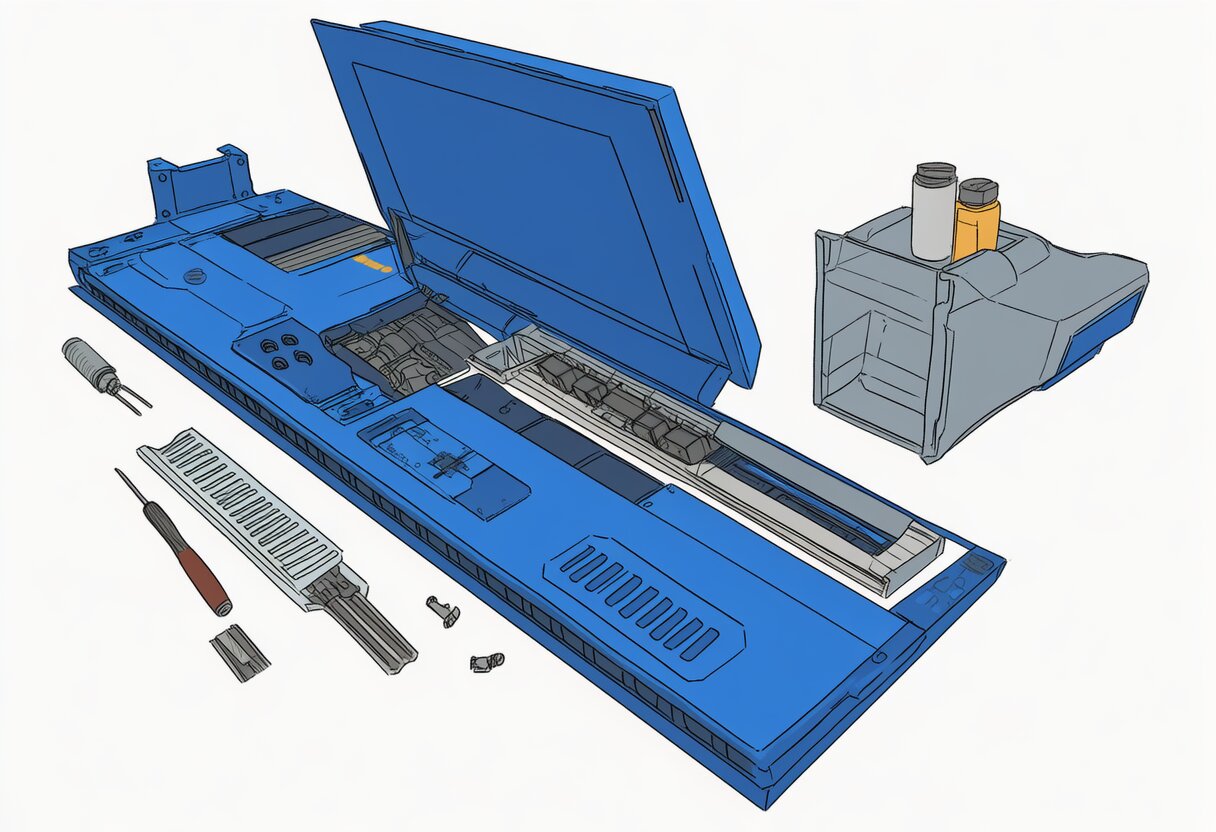
How it works: Remove 11 screws (one screwdriver, included) to access everything. No glue, no clips, no prying. Every module has a QR code that links to the repair guide. It’s the most accessible laptop to repair since the golden age of ThinkPads.
Performance
Rating: ★★★★☆
Our test configuration: AMD Ryzen 9 7940HS, RTX 4060 GPU module, 32GB DDR5 RAM, 1TB SSD.
- CPU: Ryzen 9 7940HS handles everything — gaming, video editing, compiling code. Geekbench 6: 2,100 single-core / 12,800 multi-core.
- GPU: RTX 4060 module delivers solid 1440p gaming. Cyberpunk 2077 (1440p, High): 75fps. Elden Ring (1440p, Max): 65fps. Valorant (1440p, Max): 280fps.
- RAM: 32GB DDR5-5600 is plenty for gaming and productivity. Upgradeable to 64GB.
- Storage: 1TB NVMe SSD (PCIe 4.0). Read: 5,000 MB/s. Second M.2 slot available for expansion.
Gaming performance: The RTX 4060 module is a mid-range GPU. It handles 1440p gaming well but doesn’t match dedicated gaming laptops with RTX 5070 Ti or RTX 5080. The newer RTX 5070 module closes part of that gap — and future modules should close it further. That’s the point of the Framework.
Display
Rating: ★★★★☆
16″ IPS (2560×1600, 165Hz, 100% sRGB, 500 nits). Good but not exceptional. The 165Hz refresh rate is smooth for gaming. Colors are accurate (100% sRGB) but not wide-gamut (no DCI-P3). Brightness is adequate for indoor use but struggles in direct sunlight.
Compared to: The Dell XPS 16 has an OLED display (infinitely better colors and contrast). The ROG Zephyrus G16 has a mini-LED display (better HDR). The Framework 16’s IPS display is good but not competitive with premium alternatives.
Battery Life
Rating: ★★★☆☆
85Wh battery. We measured:
- Web browsing (GPU off): 6-7 hours
- Video playback (GPU off): 8 hours
- Gaming (GPU on): 1.5-2 hours
- Productivity (GPU off): 5-6 hours
Battery life is mediocre. The Framework 16 is heavier and thicker than comparable laptops but doesn’t last longer. The modular bay system adds weight and reduces battery efficiency. If you’re buying this for all-day battery, look elsewhere.
Keyboard & Trackpad
Keyboard: ★★★★☆
The keyboard is hot-swappable — you can replace it with a different module (macro pad, extra expansion cards). The standard keyboard has 1.5mm key travel, satisfying tactile feedback, and per-key RGB backlighting. Not ThinkPad-level but better than most gaming laptops.
Trackpad: ★★★★☆
Large glass trackpad (6″ diagonal). Smooth, responsive, accurate. Not as large as the MacBook Pro’s trackpad but comfortable for daily use. Removable — if it breaks, you replace it for $40 instead of replacing the entire palm rest assembly.
vs Traditional Gaming Laptops
| Framework 16 | ROG Zephyrus G16 | Dell XPS 16 | |
|---|---|---|---|
| Price (RTX 4060) | $1,699 at launch / $1,858+ now | $1,599 | $1,799 |
| Weight | 5.7 lbs | 4.6 lbs | 4.3 lbs |
| GPU Upgradeable | Yes | No | No |
| RAM Upgradeable | Yes (SODIMM) | Yes (SODIMM) | Soldered |
| Storage Slots | 2 | 2 | 1 |
| Ports | 6 (configurable) | 5 (fixed) | 2 (fixed) |
| Display | IPS 165Hz | mini-LED 240Hz | OLED 120Hz |
| Battery | 6-7h | 7-8h | 10-12h |
| Repairability | 10/10 | 5/10 | 3/10 |
Pricing note (October 2026): our tested RTX 4060 configuration launched at $1,699. Framework’s current Ryzen AI 300-based Framework 16 starts at $1,858 on frame.work (Performance Pro config: $2,058). Competitor prices date from our review period and have likely shifted with the 2026 memory shortage — check current pricing.
Verdict
Buy the Framework 16 if:
- You want a laptop you can upgrade instead of replace
- You care about right-to-repair and sustainability
- You want to configure your own ports (USB-A, HDMI, Ethernet, microSD — your choice)
- You plan to upgrade the GPU module in 2-3 years instead of buying a new laptop
- You value repair documentation and spare parts availability
Don’t buy the Framework 16 if:
- You want the thinnest, lightest gaming laptop (get the ROG Zephyrus G16)
- You want the best display (get the Dell XPS 16 with OLED)
- You want the best battery life (get a MacBook Pro or Dell XPS)
- You want the best gaming performance per dollar (get the ROG Strix G16 with RTX 5070 Ti)
- You need a laptop for frequent travel (5.7 lbs is too heavy)
Frequently Asked Questions
Can you really upgrade the GPU?
Yes. The GPU module slides out and can be replaced with a newer module. Currently available modules (as of October 2026): RX 7700S, RTX 4060, and the RTX 5070 added with the Ryzen AI 300 refresh. Framework releases new GPU modules as they become available. The module uses a custom connector, so you’re limited to modules Framework produces — but the concept works, and it has now been proven across two GPU generations.
Is the Framework 16 good for gaming?
Yes, mid-range. The RTX 4060 module handles 1440p gaming at 60-80fps in most titles. It’s not as fast as laptops with RTX 5070 Ti or 5080, but the ability to upgrade the GPU later means you’re not locked into today’s performance forever.
Is the Framework 16 worth the price premium?
It depends on your timeline. If you replace your laptop every 2-3 years, no — a traditional gaming laptop is cheaper. If you keep laptops for 4+ years and upgrade components, yes — a GPU module ($400-600) is cheaper than a new laptop ($1,500+). The Framework saves money over time through upgrades, not up front.
Conclusion
The Framework Laptop 16 is the most repairable and upgradeable laptop ever made. The modular GPU, configurable ports, and user-replaceable everything make it a laptop that gets better over time instead of becoming e-waste.
But it’s heavier, thicker, and more expensive than comparable gaming laptops. The display is good but not OLED. Battery life is mediocre. These are the trade-offs for modularity.
If you believe in right-to-repair and want a laptop that lasts, the Framework 16 is the best choice. If you want the thinnest, fastest, or best-value gaming laptop, look elsewhere.
Continue reading: